Can this remote job actually hire you? Know before you apply.
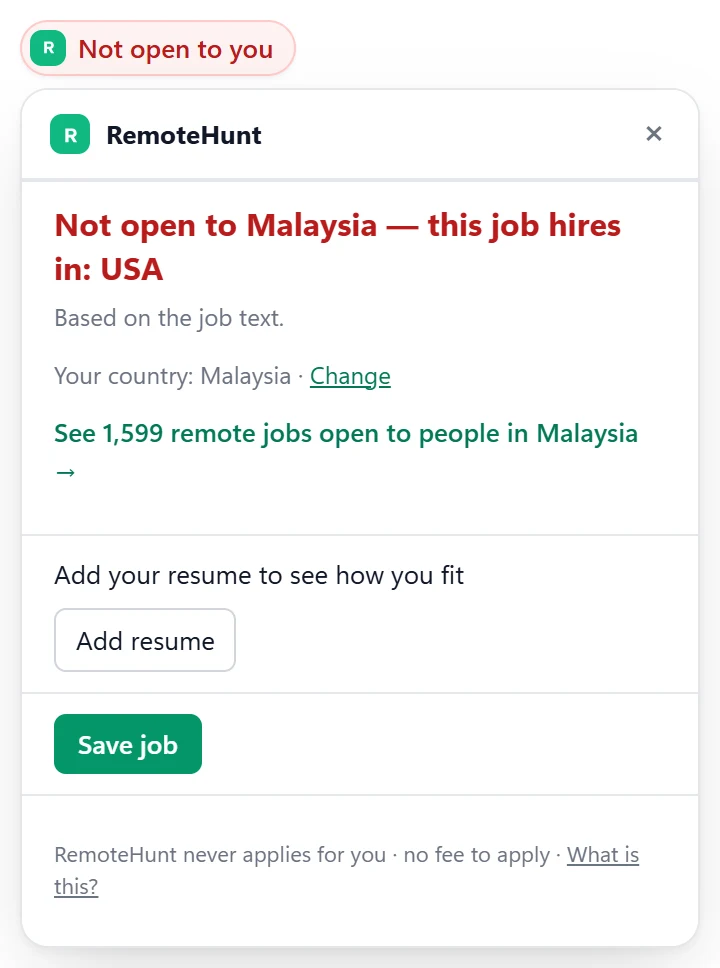
On the job page you already have open, see if the employer can hire in your country and how well your resume fits.
- No account needed
- Never applies for you
- Your resume stays in your browser
How it works
- Add it to ChromeFree, and no account needed.
- Tell it your countryIt asks once, right after you install it.
- Open any job pageThe answer shows up next to the job.
What else it does
How well you fit
Add your resume once. Get a score from 0 to 100 on any posting, with what matches and what's missing.
5 free checks a day without an account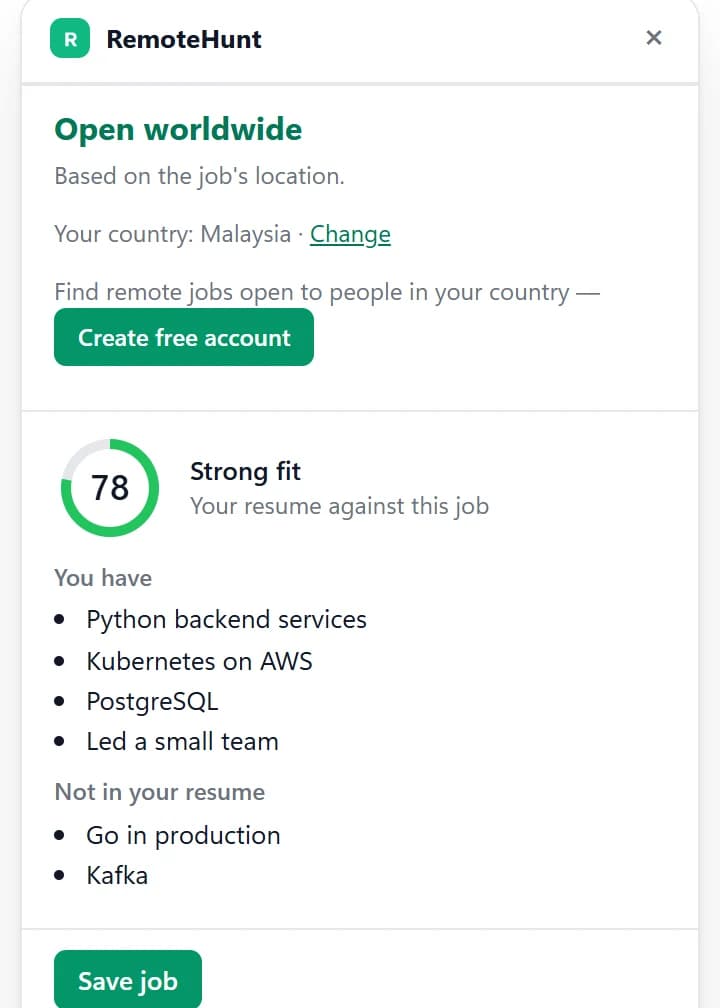
Fill in the application form
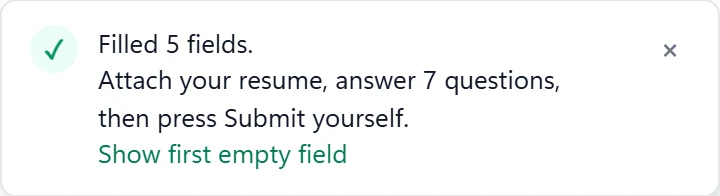
On Greenhouse, Lever, Ashby and 4 more, it fills the empty fields and attaches your resume. You check the form and press Submit yourself.
Free, with the details you save
Keep track of what you applied to
Save any job to your Hunt board in one click. When a site confirms your application, the job is marked Applied — and you can undo it.
Needs a free RemoteHunt account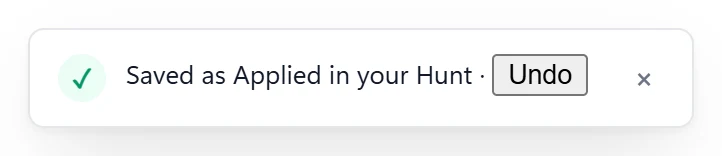
Where it works
Country check and fit score
On the job pages of these boards, and of every hiring site that also gets form filling.
- Indeed
- Wellfound
- Himalayas
- RemoteOK
- We Work Remotely
- Remotive
- Remote.co
- Jobicy
- Working Nomads
- 4 Day Week
Plus form filling
On the application forms of these hiring sites.
- Greenhouse
- Lever
- Ashby
- Workable
- SmartRecruiters
- Recruitee
- Teamtailor
Workday, iCIMS, Taleo and BambooHR are not supported.
Your data
- It reads the job page you are on, and a form only when you press Fill.
- The country check sends the posting and a random install id — no account data.
- Your resume and details can stay in the extension on your computer.
Questions
Does it apply to jobs for me?
No. It never presses Submit, Apply or Next on any site. It only fills in empty fields when you ask it to, and you decide whether to send the form.
Which sites does it work on?
Job pages on LinkedIn, Indeed, Wellfound, Himalayas, RemoteOK, We Work Remotely, Remotive, Remote.co, Jobicy, Working Nomads and 4 Day Week, and the job pages of Greenhouse, Lever, Ashby, Workable, SmartRecruiters, Recruitee and Teamtailor. Form filling works on the application forms of Greenhouse, Lever, Ashby, Workable, SmartRecruiters, Recruitee and Teamtailor. Workday, iCIMS, Taleo and BambooHR are not supported.
Is it free?
The country check, form filling, saving jobs and the employer link are free. Without an account you get 5 fit checks a day. Signed in, fit checks use your account's daily allowance: 10 a day on a free account, 100 with the 90-day pass or the older Pro plan and 300 on Pro+. A job RemoteHunt has already scored for you shows that score and does not use a check.
Do I need an account?
Not for the country check, the fit check or form filling — your resume and details can stay in the extension. Saving jobs to your Hunt board and marking them applied need a free RemoteHunt account, which you connect from the extension.
What happens to my resume?
Without an account, your resume stays in the extension on your computer. When you ask for a fit score, its text and the posting's text are sent to score that one pair, and we keep neither. "Remove resume" deletes it from the extension.